CMMS Hardware
The Strategic Value of Modern Computer Hardware.
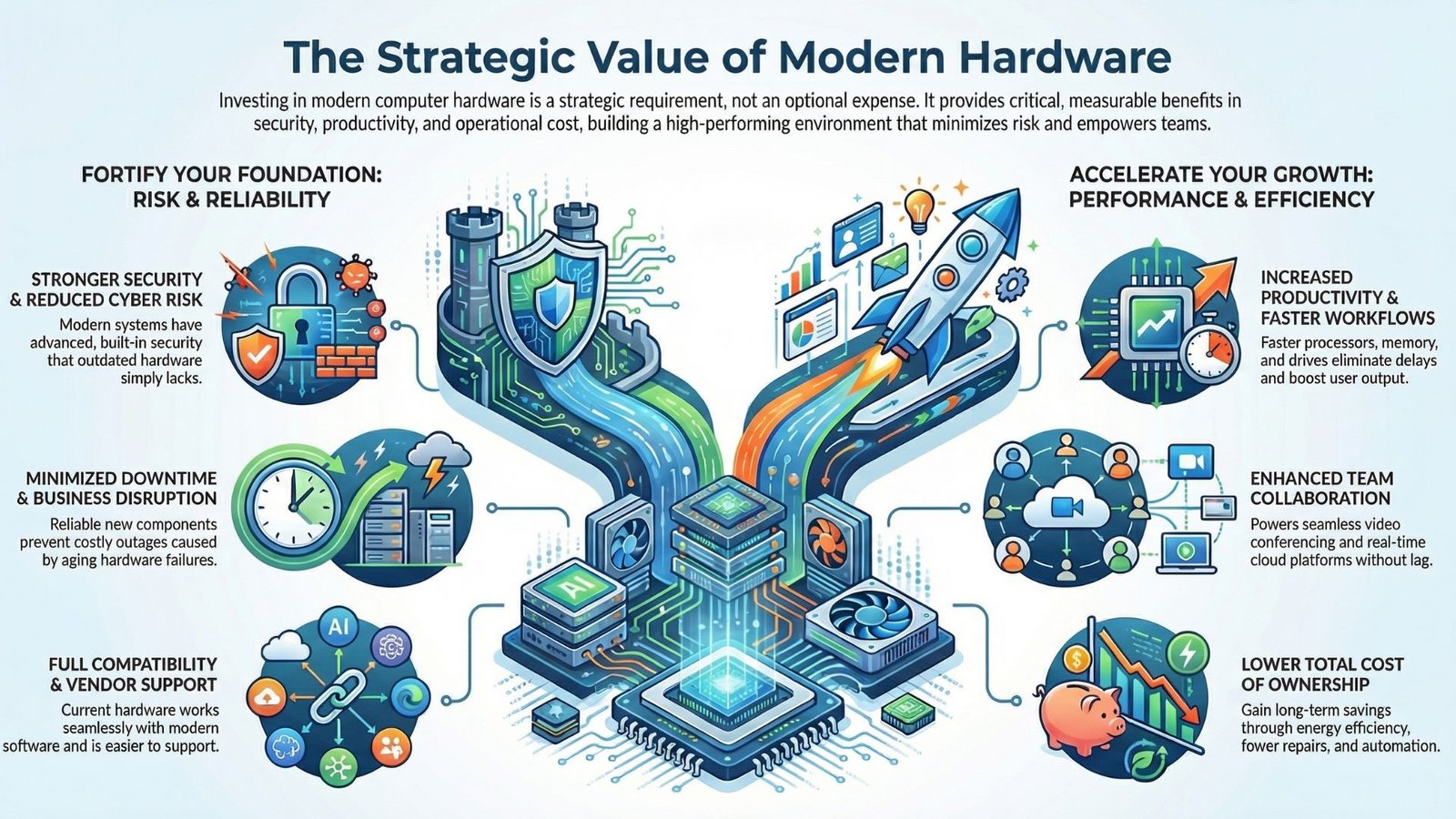
Investing in high‑quality, up‑to‑date computer hardware is no longer a discretionary expense, it is a critical enabler of business performance.
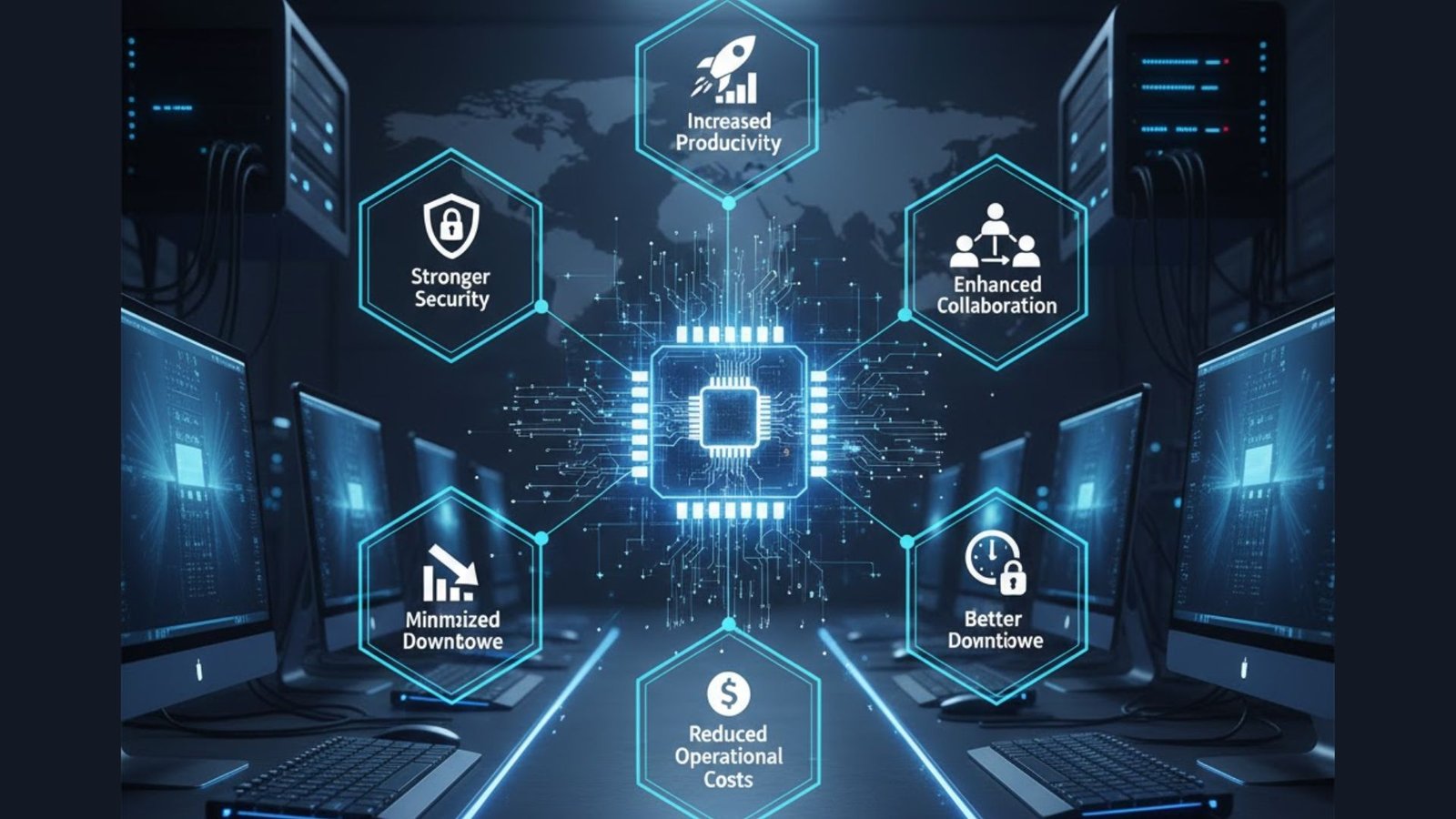
The benefits reach far beyond convenience: modern infrastructure directly impacts security, productivity, operational continuity and long‑term cost control.
Modern hardware and software are built with advanced capabilities that older systems simply cannot match and the gap expands every year.
- Stronger Security and Reduced Cyber Risk
Definition: Modern hardware and operating systems incorporate advanced security controls designed to withstand today’s threat landscape.
Why this is true?
- Newer devices support stronger encryption standards, secure boot processes and hardware‑level security modules that resist tampering.
- Current operating systems feature improved threat detection, behavioural monitoring and rapid patching mechanisms.
- Cyber attackers routinely exploit outdated systems because they contain known vulnerabilities and no longer receive vendor updates.
How to prove it
- Compare the frequency of available security patches for supported vs. legacy systems.
- Review vendor end‑of‑support dates, unsupported systems receive zero security updates.
- Analyse incident logs for breaches traceable to outdated infrastructure.
Highlighted concept: Modern cybersecurity safeguards
- Increased Productivity Through Faster, More Capable Systems
Definition: Modern hardware boosts output by eliminating delays and enabling smoother, faster workflows.
Why this is true?
- Faster processors and solid‑state drives (SSDs) reduce load times for applications and files.
- Larger memory and storage capacities allow teams to multitask without slowdowns.
- New software releases are optimised for modern architectures, delivering improved stability and responsiveness.
How to prove it
- Measure task completion times before and after hardware upgrades.
- Track reductions in user‑reported slowdowns or performance issues.
- Compare resource‑usage metrics between legacy and upgraded systems.
Highlighted concept: Hardware‑driven productivity gains
- Enhanced Collaboration and Workflow Efficiency
Definition: Modern technology enables seamless communication and real‑time collaboration across teams and locations.
Why this is true?
- Modern hardware supports advanced video conferencing, cloud platforms and collaboration tools.
- Faster systems reduce lag, meeting disruptions and file‑sharing delays.
- Updated devices integrate more easily with workflow automation and digital‑workspace tools.
How to prove it.
- Monitor meeting quality metrics (e.g., lag, dropped connections) before and after upgrades.
- Measure time saved from automated workflows enabled by newer hardware.
- Evaluate user satisfaction ratings for collaboration tools post‑implementation.
Highlighted concept: Collaborative technology performance
- Reduced Operational Costs Through Efficiency and Automation
Definition: Modern infrastructure delivers lower total cost of ownership through energy efficiency, reliability and automation.
Why this is true?
- Energy‑efficient processors and components reduce power consumption.
- Automation tools minimise repetitive manual tasks and improve accuracy.
- Modern systems experience fewer repairs, shorter downtime and lower maintenance expenditure.
How to prove it.
- Compare power consumption between legacy and modern devices.
- Track reductions in manual processing time and repetitive task load.
- Analyse maintenance logs for repair costs and downtime reductions.
Highlighted concept: Technology‑enabled cost optimisation
- Minimized Downtime and Avoidance of Costly Delays
Definition: Reliable, modern hardware mitigates unplanned outages that disrupt business operations.
Why this is true
- Electronic components degrade with age, leading to slower performance and higher failure rates.
- Legacy systems often struggle with modern applications, causing crashes and data loss.
- Accumulated latency across outdated machines translates into measurable productivity loss.
How to prove it
- Record downtime incidents caused by hardware failure.
- Measure cumulative waiting time attributed to outdated systems.
- Compare stability and uptime metrics before and after upgrades.
Highlighted concept: Downtime prevention through modernisation
- Better Compatibility and Easier Vendor Support
Definition: Current‑generation hardware maintains full compatibility with modern software ecosystems and vendor support models.
Why this is true
- Software vendors design and optimise products for contemporary hardware.
- IT support teams can diagnose and resolve issues faster on current systems using up‑to‑date tools and drivers.
- Legacy hardware often requires obsolete components and specialised expertise, driving up service costs and repair times.
How to prove it
- Review vendor support policies and minimum hardware requirements.
- Compare troubleshooting times for old vs. modern devices.
- Audit the availability and cost of spare parts for legacy systems.
Highlighted concept: Technology lifecycle compatibility
Summary
Investing in modern computer hardware, desktops, laptops, servers, network devices and supporting infrastructure, is not optional; it is a strategic requirement for maintaining security, productivity and cost efficiency.
By prioritising up‑to‑date technology, organisations build a secure, high‑performing environment that minimises risk, maximises uptime and empowers teams to perform at their full potential.